2009
University of Illinois at Chicago, Electronic Visualization Laboratory
Role
Project team leader and in charge of game design, graphic asset design & production (character and environment modeling, animation), head & eye tracking, and implementation of the visualization framework.
Game Play Video
Game Play Video
Game Play Design
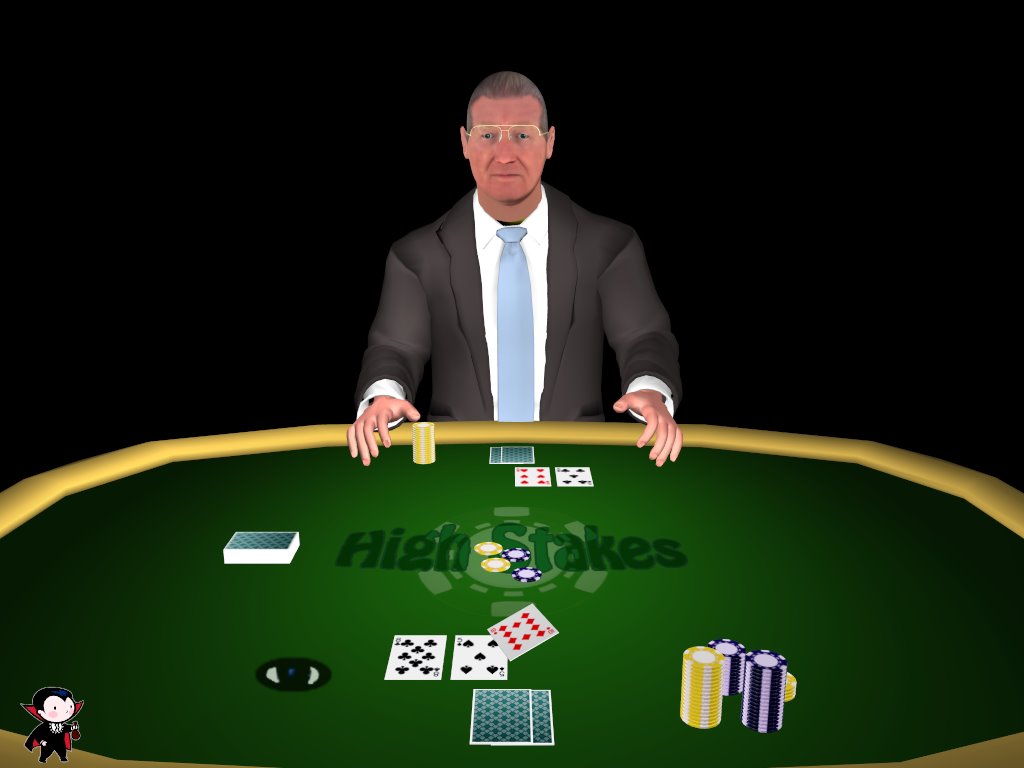
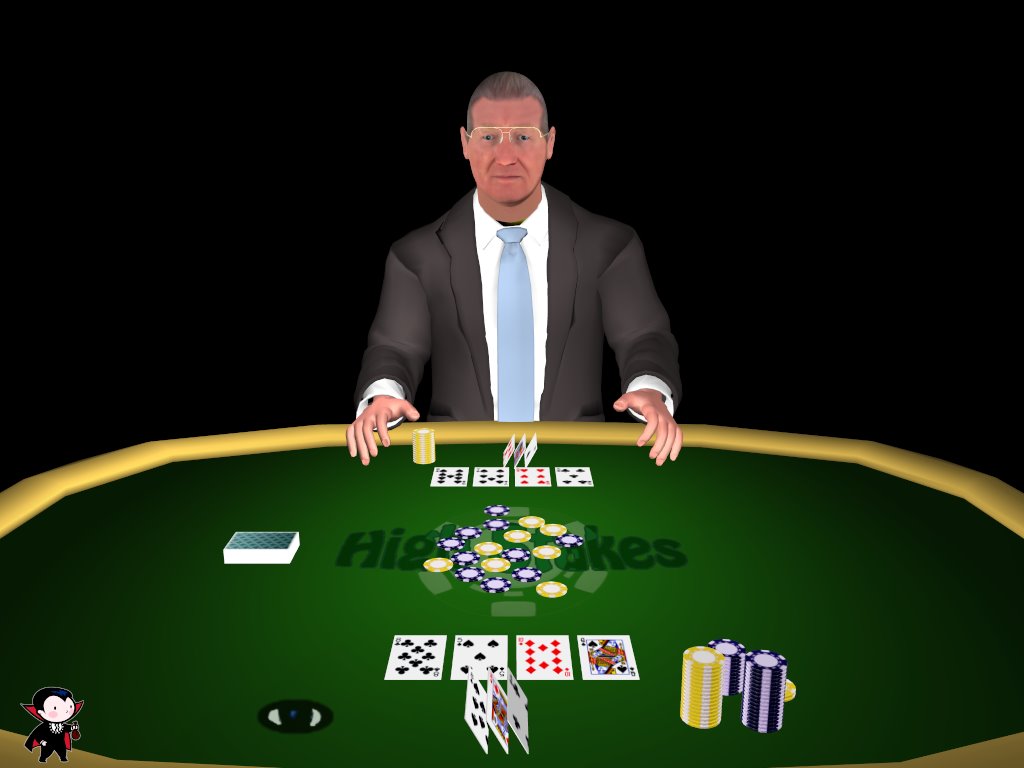
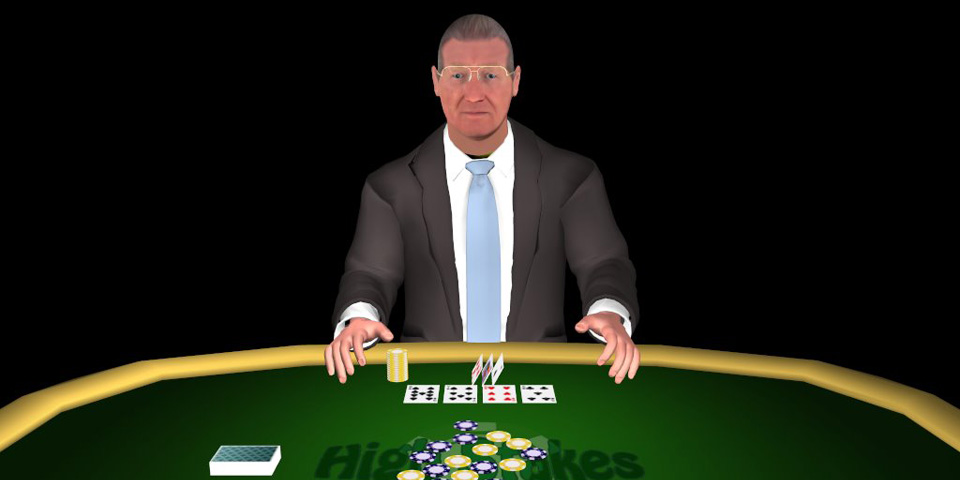
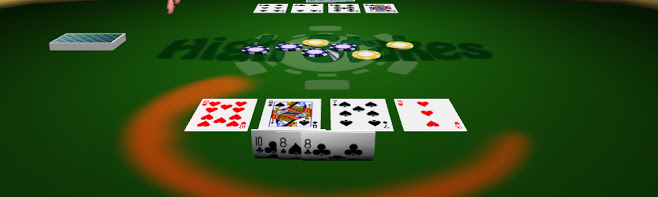
Written by Geoffrey Brown. This game goes by the rules of Seven Card Stud Poker. The first two cards are dealt face down. Then the next four cards are dealt face up and viewable by opponents. The final card of the round is dealt face down. To win a round, the opponent must fold or the player must have the best poker hand. To win a game, you must win all of his chips. Look in "hotspot" areas to receive game information, or to generally annoy your opponent: The player's chip area shows the player's chip value and elicits a unique type of response from the opponent if looked at too long. The opponent's chip area shows the opponent's chip value and elicits a unique type of response from the opponent if looked at too long. The table chips area shows the pot value. The opponent's card area shows a closer view of the opponent's cards and elicits a unique type of response from the opponent if looked at too long. The opponent's face area elicits a unique type of response from the opponent if looked at too long. Looking at your hidden cards too often or waiting too long to do something during your turn will elicit unique types of response from the opponent as well.
Gameplay Controls
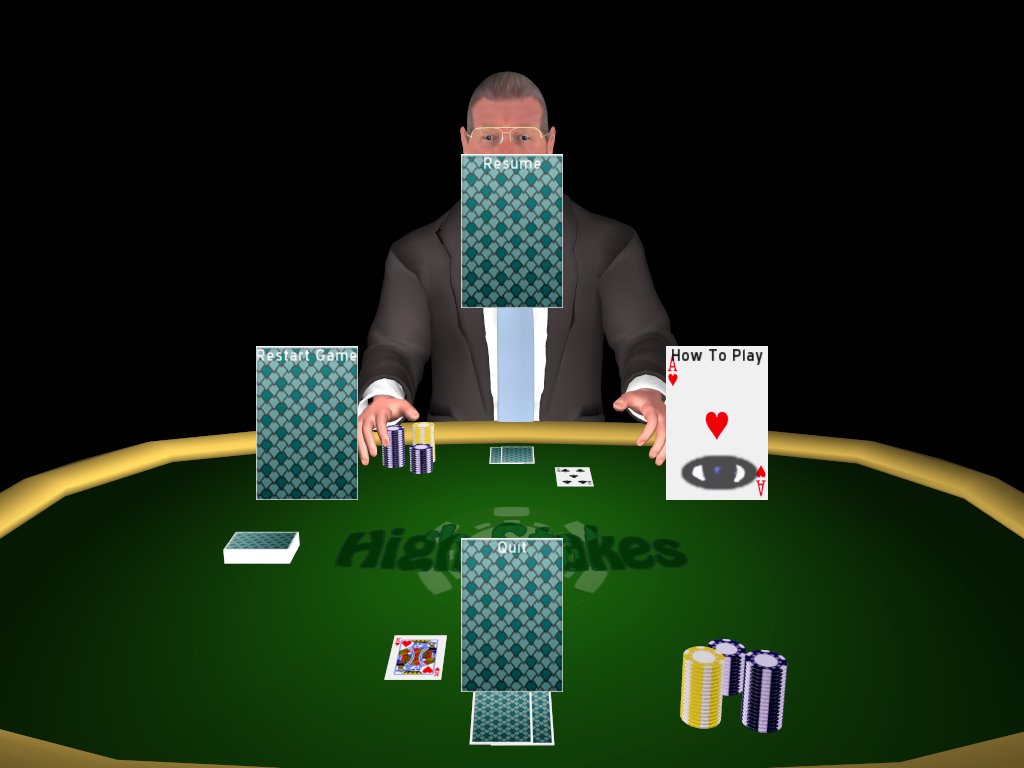
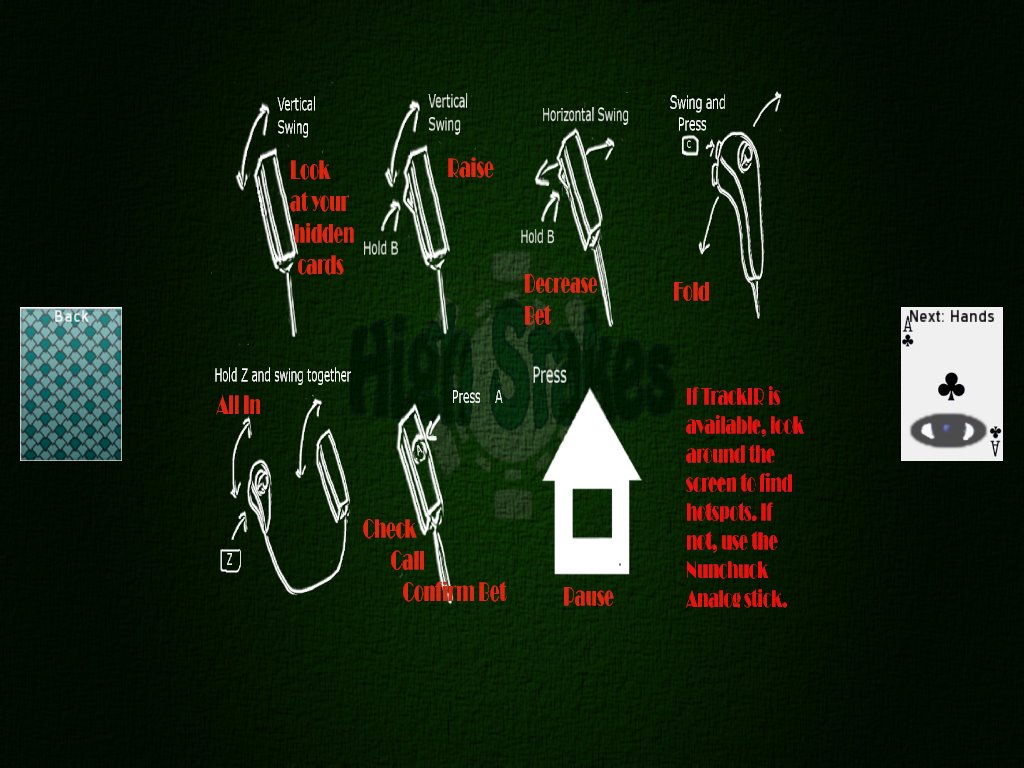
Look at your hidden cards: Swing Wiimote up vertically. Call/check/confirm: Press A. Raise: Hold B and swing Wiimote vertically. Decrease bet: Hold B and swing Wiimote horizontally. Fold: Hold C and move Nunchuk vertically to fold. Bet All In: Hold Z and swing Wiimote and Nunchuk at the same time vertically. Click on a menu button: Press the + button while hovering over it. Pause Game: Press the home button while playing the game. Use TrackIR head tracking system or the Nunchuk analog stick to move the "eyecon" over menu buttons and hot spots.
Sound Design
Written by Geoffrey Brown. With the exception of the shuffle effect, found at the Free Sound Project (http://freesound.iua.upf.edu), all other sound effects were recorded in an audio chamber room at EVL. Sound effects for the cards actually had to be done on the floor, since the table we were working on was metal and bumpy. The sound effects were done multiple times so that the best contender could be edited in Audacity. We used real cards for card sound effects, but for the sound that plays when the camera zooms in to the player's hidden cards, we made a sound that imitated what the zoom should sound like, then edited it in Audacity by adding normalization and a "phaser" effect. The background music, "Vegas Glitz" by Kevin McLeod, is borrowed from the royalty free site Incompetech.com. This was chosen because it fit the gambling scene so well. We had to find the perfect "looping point" and cut it in Audacity, so that it would repeat well. A lot of voice acting was recorded in the sound free room, for the over 140 interesting comments we had written in the transcript for AI reaction. For each type of response you can get from certain gameplay actions, there are around 10-15 comments that may come out of the opponent's mouth. We recited each line multiple times so that we could choose from the best sounding samples. Unfortunately, in the end, we couldn't use any of those recordings. Since they were recorded before the motion capture, they didn't sync up correctly with it. Fortunately, sound was recorded during the video of our motion capture session and we were able to use that instead.
Motion Capture & Character Animation
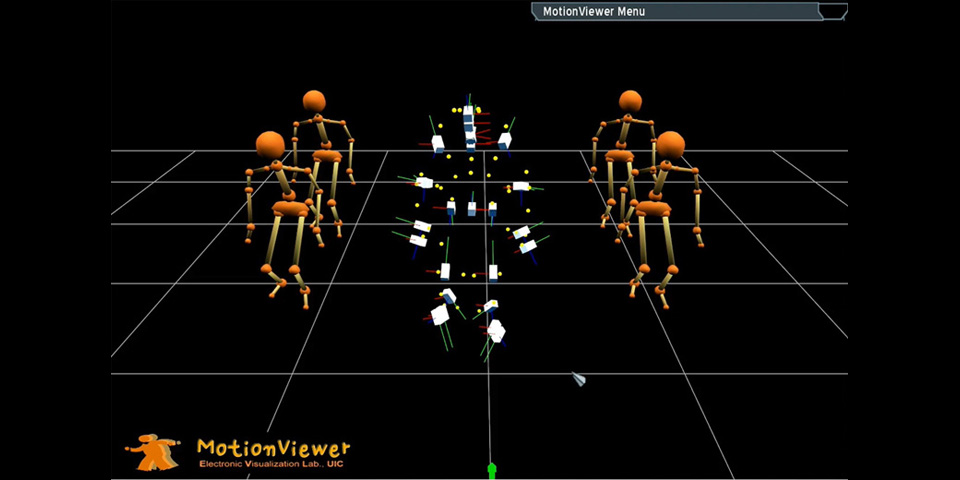
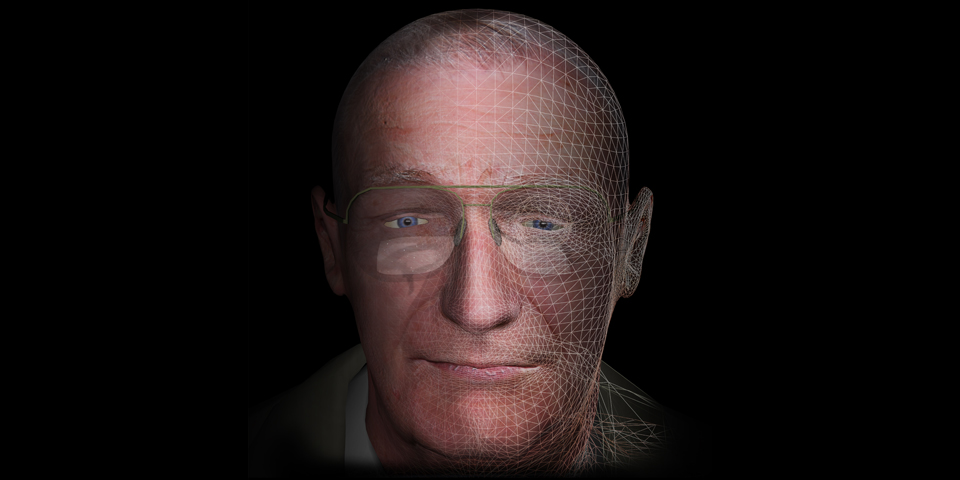
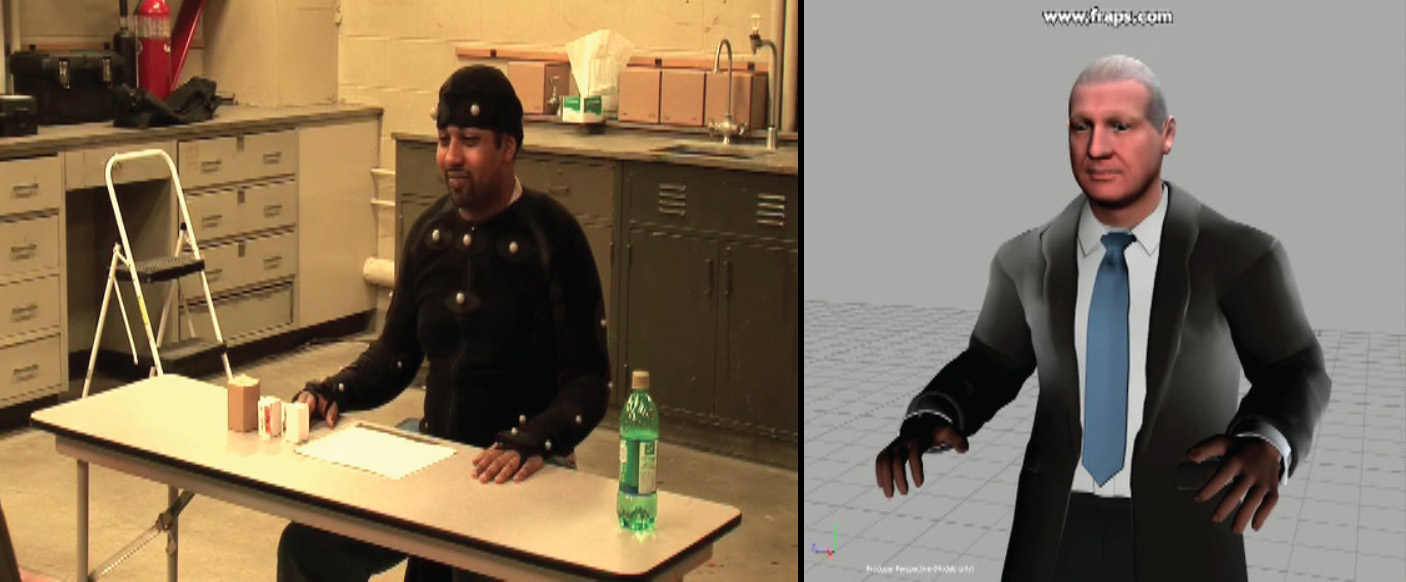
The main opponent character in High Stakes Poker game is designed in 3D model fully rigged with skeleton structure to incorporate natural human animation. All animation clips in the game are acquired via full body motion capture system at EVL. Total 18 minutes of performance were recorded and we generated about 140 unit motion clips. These unit actions include various idle motions, subtle gestures for trash talk, and game action related animations such as betting (toss chips to the table), pointing, and win/lost gestures. Autodesk Maya and MotionBuilder software were used to process motion data and retarget them to our 3D character model. The recorded voice from the mocap performance session was used in the game to synchronize animation and dialogue speech.
Motion Capture & Character Animation
Screenshots
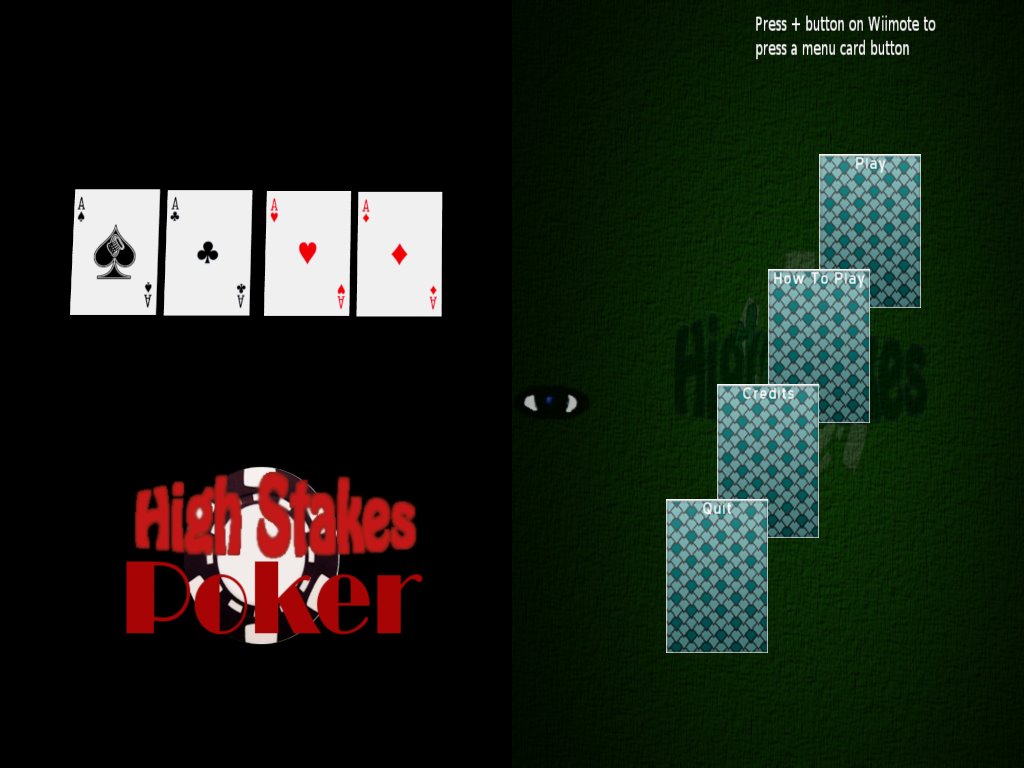
Screenshots from various stages of the game including the intro screen, card dealing, main gameplay, menu system, and how-to guide.